
01
Set the phase context
Create projects, clients, access rules, and rates that match the studio workflow.
With Employee Activity Tracker, architecture teams can connect tracked sessions to projects, phases, notes, clients, and reports while keeping optional activity or screenshot signals under clear workspace control.
Design work moves between research, drafting, review, coordination, and delivery. Time tracking should reflect that shape.
Use projects and notes to distinguish design, documentation, meetings, revisions, and other delivery work.
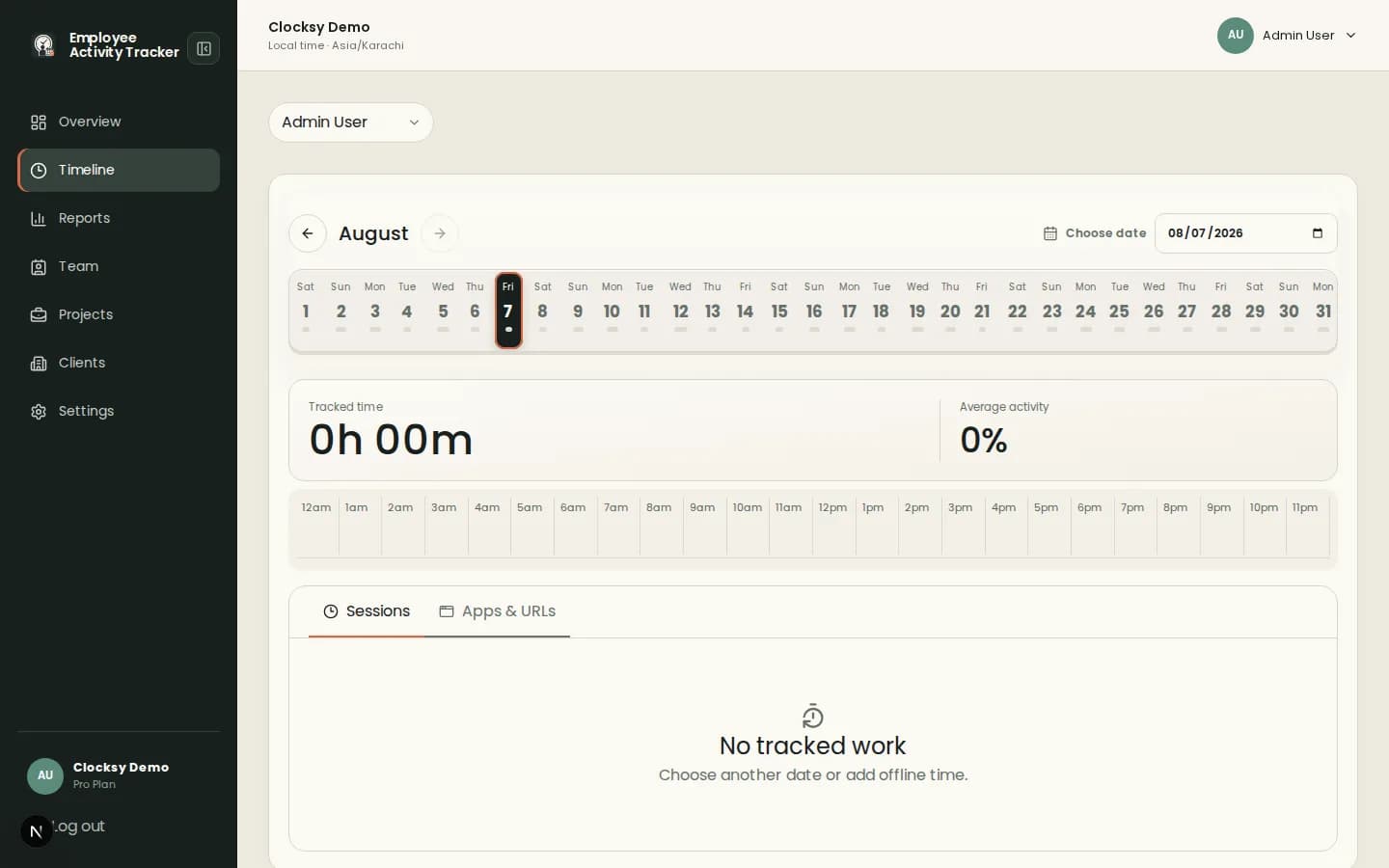
Timelines show sessions and activity context so leads can spot bottlenecks without guessing where the week went.
Reports organize time by project, client, employee, date, or note for internal and client conversations.
A project-first workflow helps studios protect focus while keeping scope and effort visible.
Create projects, clients, access rules, and rates that match the studio workflow.
Employees select the project, add a note, and track work from the companion.
Use timelines and reports to understand scope, workload, and client-facing effort.
Optional screenshots can add context when a studio needs them, while time and project records remain the foundation.
Yes. Teams can organize work through projects, notes, and client context that reflect their own phase structure.
Yes. Timelines bring sessions, activity, app context, and configured captures together for daily review.
No. Screenshots are optional and can be disabled or blurred according to studio policy.
Start with a workspace that connects time, projects, and useful signals in one place.
Start your workspace