
01
Select the work context
Employees choose a project, add an optional note, and start the desktop timer.
Employee Activity Tracker turns a workday into a shared timeline of project sessions, notes, activity signals, apps and URLs, and optional screenshots. Managers get useful context without asking employees to reconstruct every hour by hand.
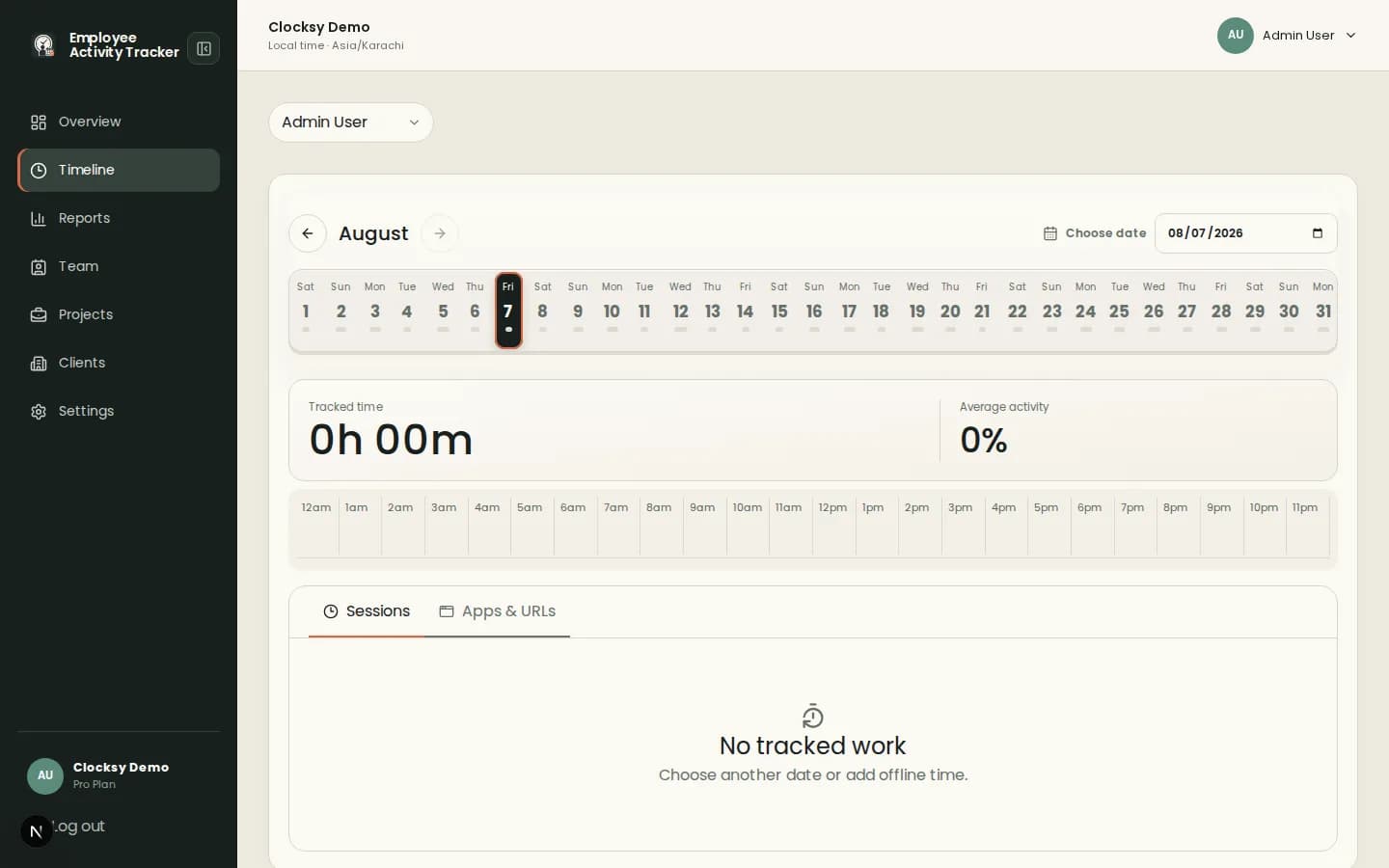
A timeline helps teams discuss the work behind a number and spot gaps before they become surprises.
See when work started, stopped, paused, or continued offline, with notes that preserve the reason behind the block.
Review aggregate activity percentages and app or URL duration without recording the content people type.
Use the timeline for daily context, then filter reports by person, project, client, date, or note.
The timeline connects employee-controlled tracking with manager-friendly review.
Employees choose a project, add an optional note, and start the desktop timer.
Sessions, activity signals, app and URL duration, and configured captures appear in chronological context.
Use the timeline to unblock work, balance workloads, or prepare a confident client report.
Employee Activity Tracker presents work signals as shared context. Teams can configure what is collected and use the result to improve planning, billing, and support.
It can show tracked sessions, project notes, activity percentages, apps and URLs, and optional screenshots for the selected day.
Yes. Workspace settings can allow offline time so employees can add context for work completed away from the companion.
The timeline is designed as shared work context. Its purpose is to help employees and managers understand progress together.
Start with a workspace that connects time, projects, and useful signals in one place.
Start your workspace