
01
Set rates and projects
Define team members, clients, projects, and the rate rules that apply.
Employee Activity Tracker turns tracked sessions into useful hourly records with project context, member rates, optional project rates, client relationships, notes, and reports.
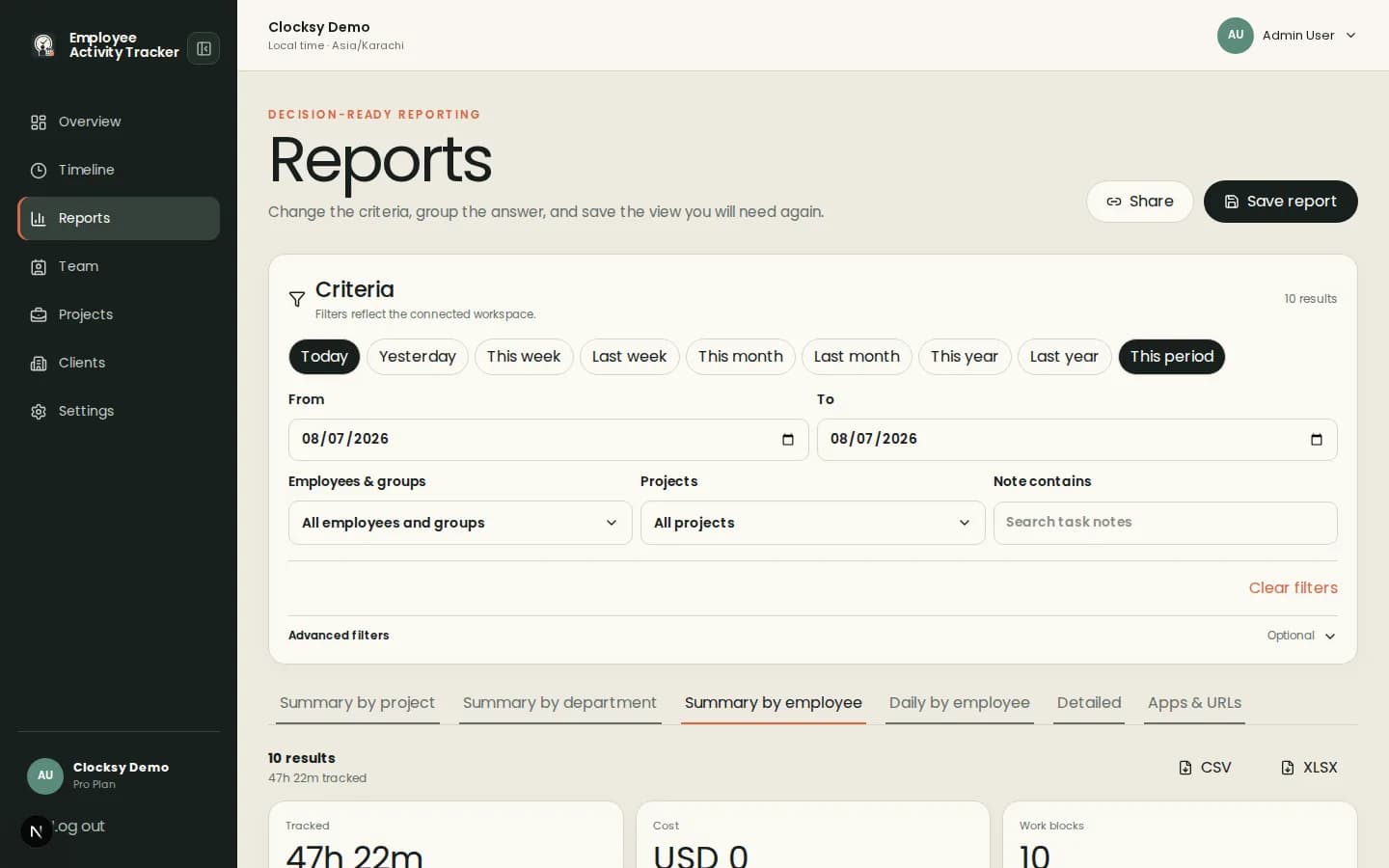
An hourly record is more useful when it explains who worked, on what, for which client, and during which period.
Employees choose a project and start the desktop timer so time begins with the right work context.
Use member hourly rates and optional project rates to model the way your team bills or budgets work.
Filter reports by people, projects, clients, dates, notes, and saved criteria before sharing or planning.
Hourly tracking should reduce reconciliation work while giving teams a better view of project effort.
Define team members, clients, projects, and the rate rules that apply.
Start a session with a project and add a note when future context will matter.
Review reports for billing, cost planning, workload conversations, or project estimates.
Time, project, rate, and note context can support accountability. Activity and screenshots remain optional additions.
Yes. Members can use their hourly rate or per-project rates when the workspace enables project-rate behavior.
Yes. Projects can be connected to clients and reports can be filtered by client, project, person, date, and note.
Yes, when offline time is allowed by the workspace policy.
Start with a workspace that connects time, projects, and useful signals in one place.
Start your workspace