
01
Choose the capture rules
Set captures per hour, blur behavior, and notification preferences from workspace settings.
Employee Activity Tracker gives teams an optional visual record of work alongside tracked time, activity signals, and project context. Configure capture frequency, blur choices, and notifications around the way your team works.
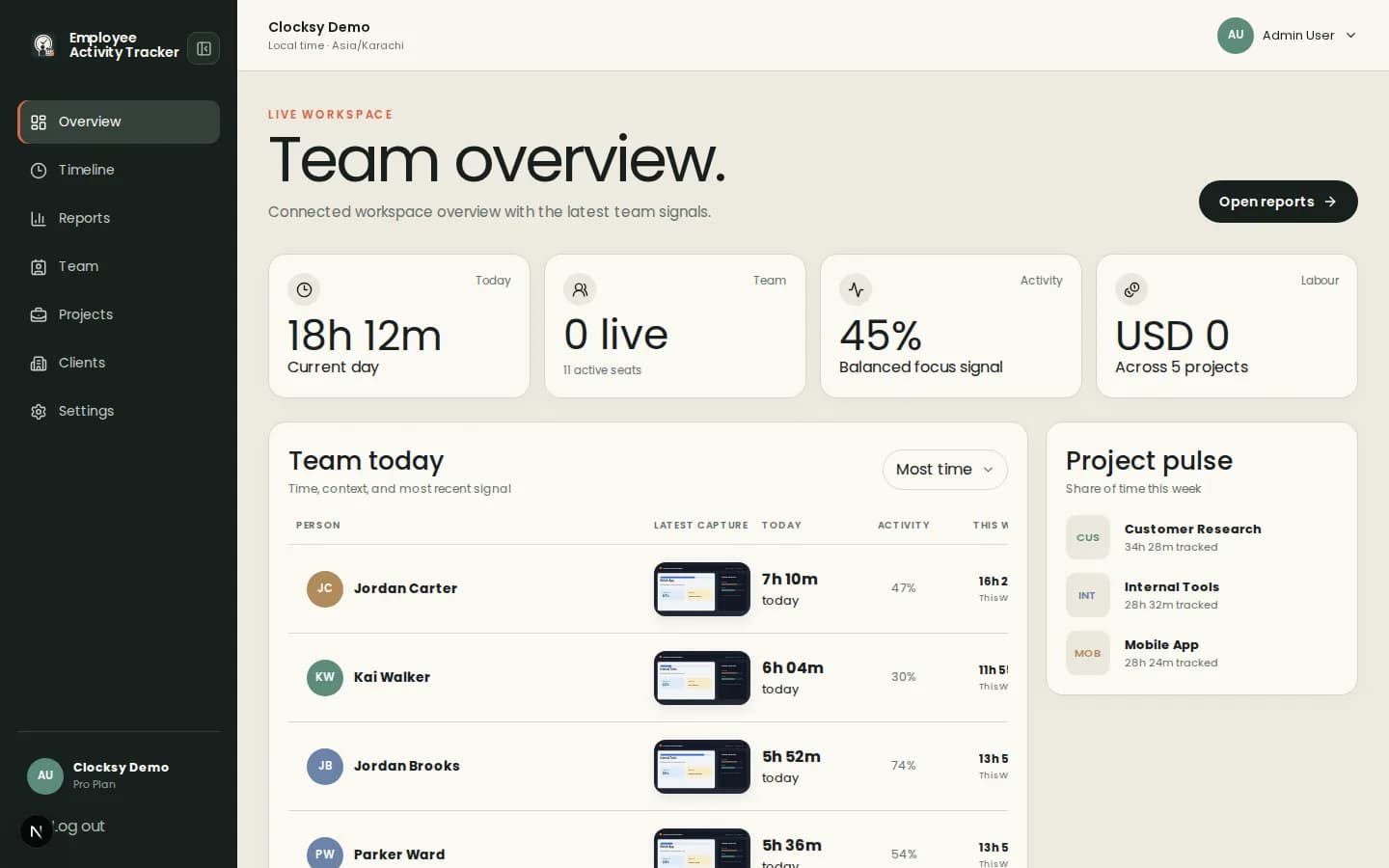
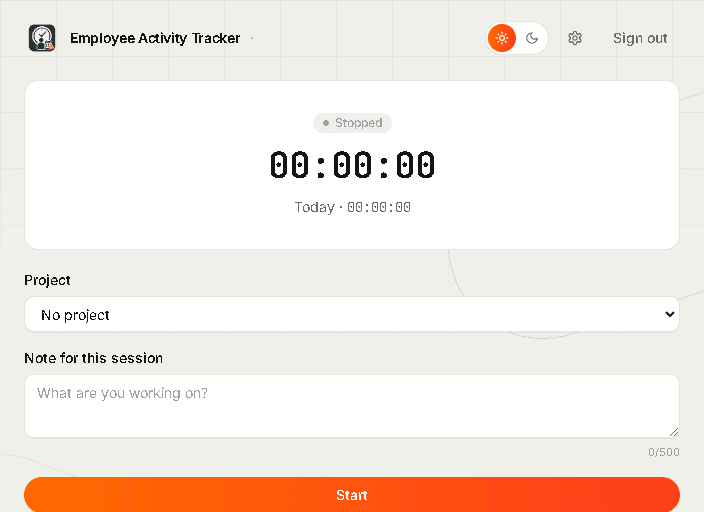
Screenshots are most useful when they are one part of a shared timeline, not the whole story.
Enable or disable screenshots for the workspace, then use individual settings where a project or person needs a different policy.
Allow employees to blur captures and keep capture notifications visible so the system stays understandable to everyone.
Connect visual moments to tracked sessions, projects, activity percentages, and notes instead of reviewing images in isolation.
Employee Activity Tracker keeps screenshot tracking inside the same workflow as time and project tracking.
Set captures per hour, blur behavior, and notification preferences from workspace settings.
Employees select a project and track time while the companion records only the configured signals.
Use captures with activity and time data to understand progress, blockers, and client work.
Use screenshots as optional evidence for coordination, billing, and support—not as a replacement for trust or conversation.
Yes. Workspace owners can turn captures off or configure them for a specific team workflow.
No. When enabled, captures use a configured interval with randomized timing rather than a continuous recording.
Yes. Employee Activity Tracker supports employee blur choices, always-blur settings, or no blur according to workspace policy.
Start with a workspace that connects time, projects, and useful signals in one place.
Start your workspace