Employee Activity Tracker logoEmployee Activity Tracker
Privacy-first employee time tracking

Employee time tracking,
made legible.

Employee Activity Tracker connects project time, team activity, and optional screen captures in one shared workspace—with no keylogging or hidden monitoring.
No card required Free for three seats
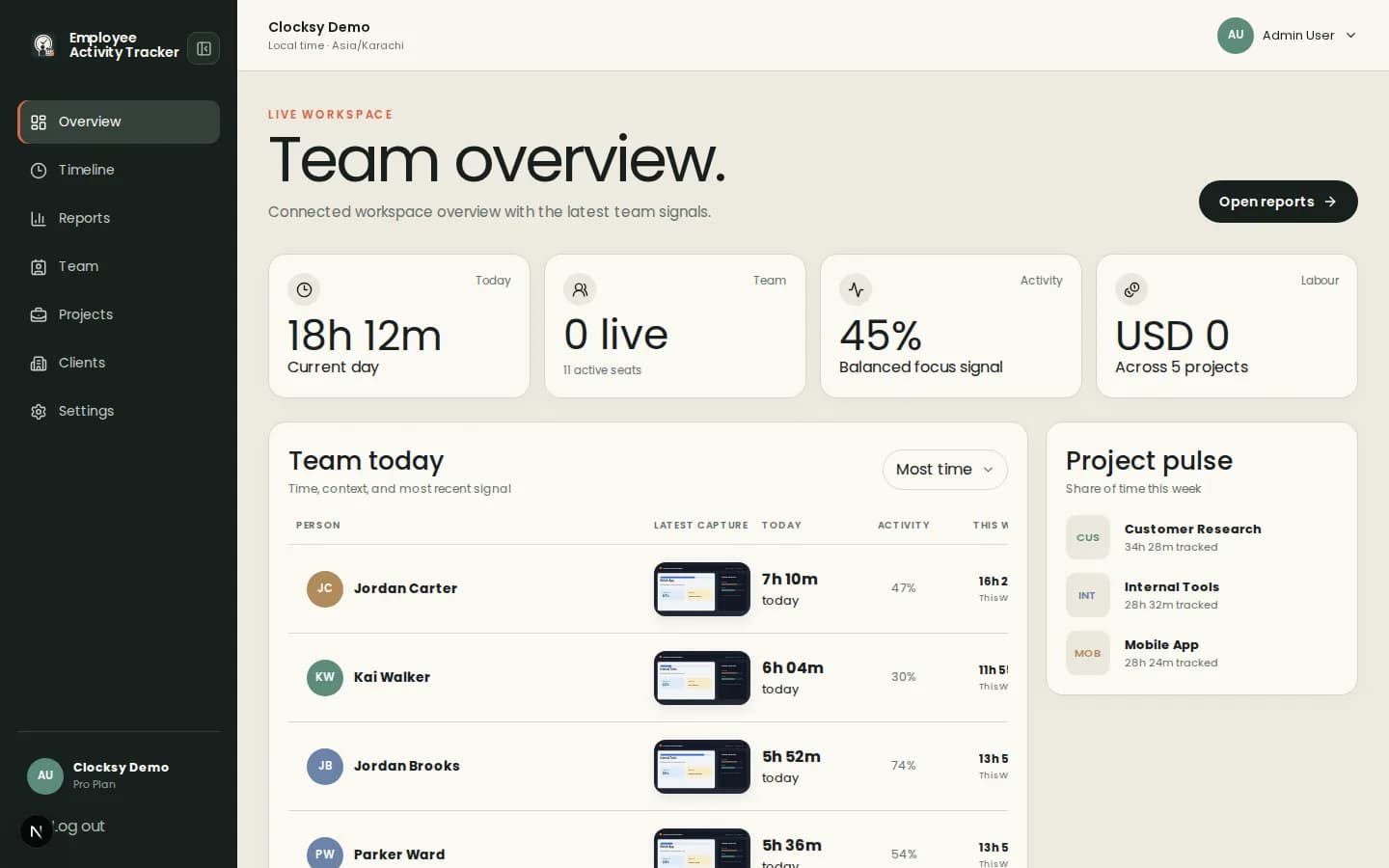
Employee Activity Tracker / Overview
Employee Activity Tracker dashboard overview
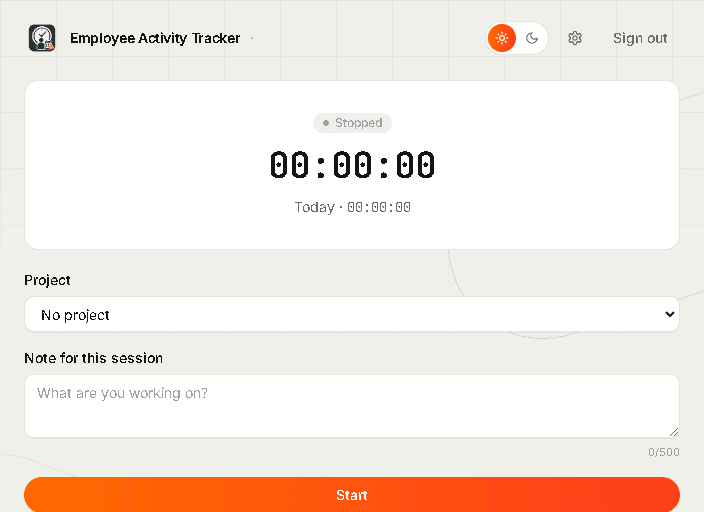
Desktop timerOn device
Employee Activity Tracker desktop timer
Real Employee Activity Tracker dashboard and desktop timer captures from the seeded product workspace.

Clear enough for finance. Human enough for the team.

StudioNorthKinfieldHighlineAster&RowCommonform
A healthier baseline

Accountability without the aftertaste.

Employee Activity Tracker keeps work visible while making the boundaries equally clear.

01

Visible by design

Everyone sees the same timeline. Team members can review and remove their own captures.

02

No hidden tracking

No keylogging, no secret background mode, and screenshots are always optional.

03

Built around trust

Use signals to unblock work and price projects—not to police every minute.

One clean loop

Start. Focus. Understand.

Employees choose what they are working on. Managers see the shape of work as it happens. Reports arrive without spreadsheet archaeology.

01

Track with intent

Select a project, add a note, and start the lightweight desktop timer.
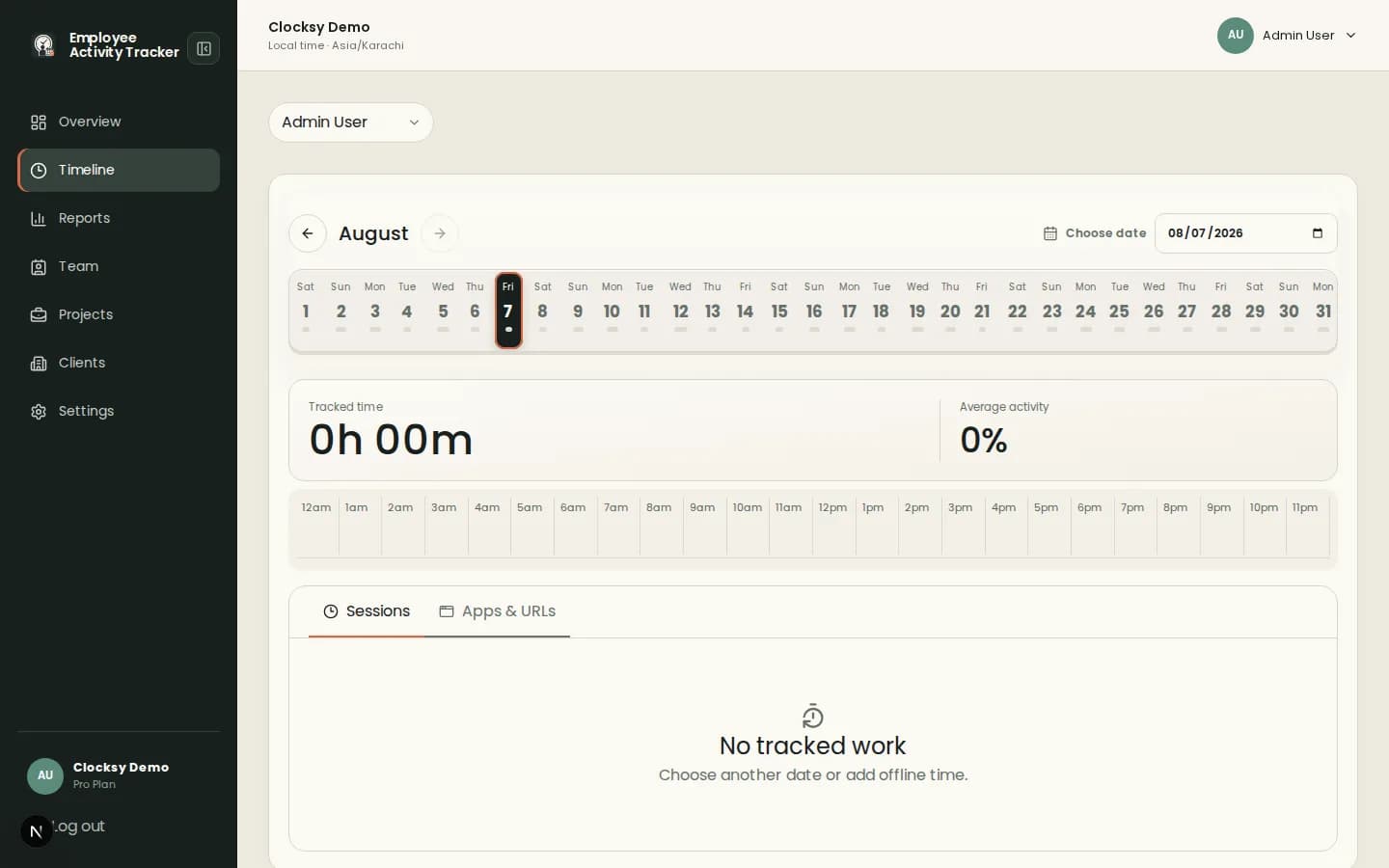
Timeline / August
Employee Activity Tracker timeline
Real Employee Activity Tracker timeline screen showing tracked time, activity, and sessions.
02

See the day

Review task blocks, activity signals, apps and optional captures in one timeline.

A real product, not a promise

The desktop companion stays out of the way.

Start a focused session, leave a note, and let the workspace gather the context you actually chose to share.
Optional screenshots with visible policy Offline-friendly session tracking One click from timer to team timeline
Desktop companion / product tourReal capture
A real desktop flow: sign in, see the timer, then check the workspace settings.
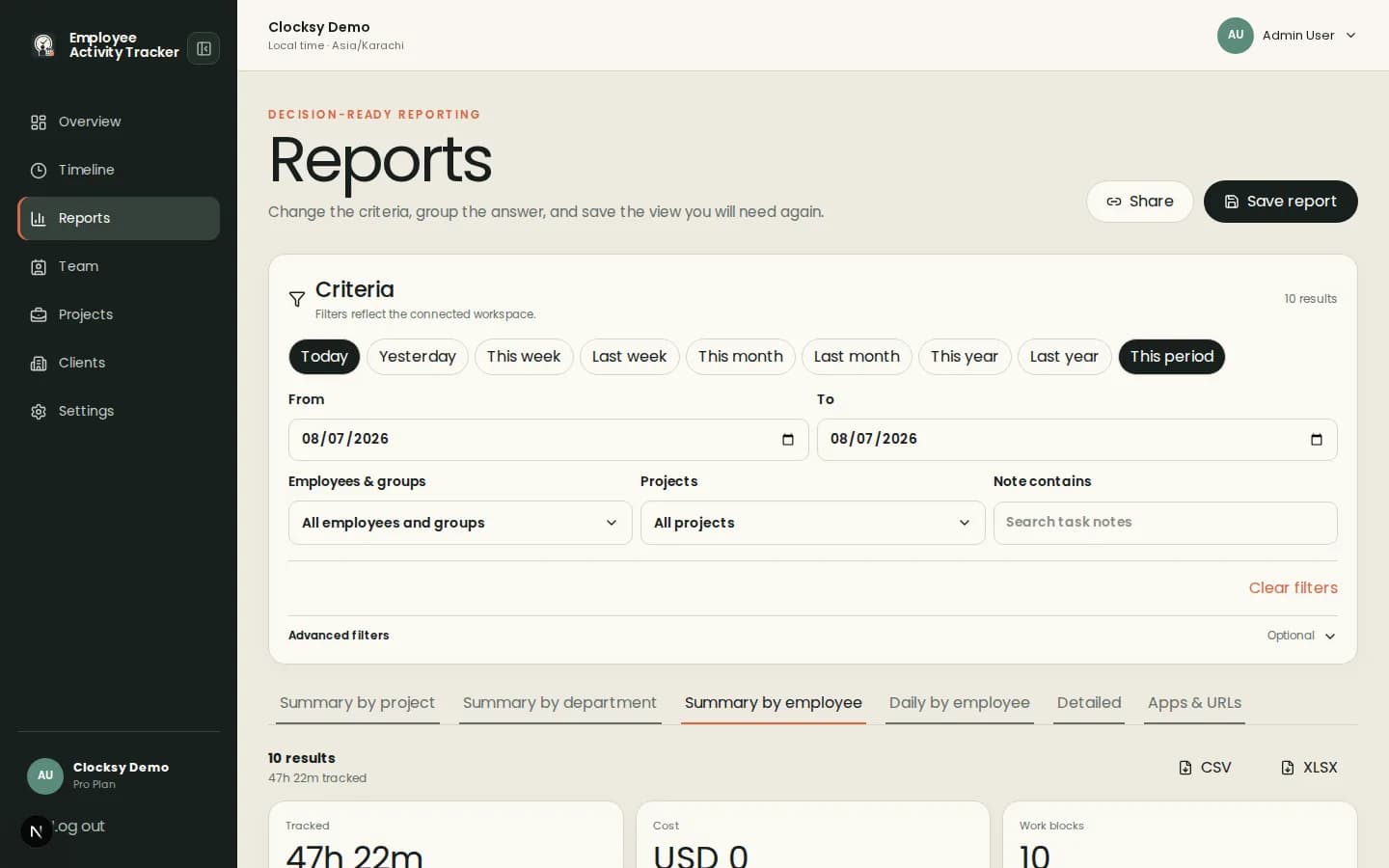
Reports / By employee
Employee Activity Tracker reports
Real Employee Activity Tracker reports screen showing filters, summaries, and export controls.
From time to insight

Reports that answer the next question.

Slice work by person, project, client, date, or note. Save the views you return to, then share a calm summary.

  • Spot workload before it becomes burnout
  • Turn project time into confident invoices
  • Keep every stakeholder on the same page
Explore plans
“The conversation changed from ‘Where did the time go?’ to ‘What should we improve next?’”
AC

Avery Chen
Operations lead, Fieldnote Studio