
01
Set up the client work
Create the client, projects, team access, and applicable rates.
Use Employee Activity Tracker to connect agency sessions with clients, projects, hourly rates, notes, and reports. Add activity or optional screenshots when they support a client or delivery workflow.
Agencies need a time record that works for delivery teams, account leads, and clients without turning every hour into admin.
Organize projects and clients so tracked sessions map cleanly to the work an agency delivers.
Set member rates and optional project rates to support internal costing and client-facing summaries.
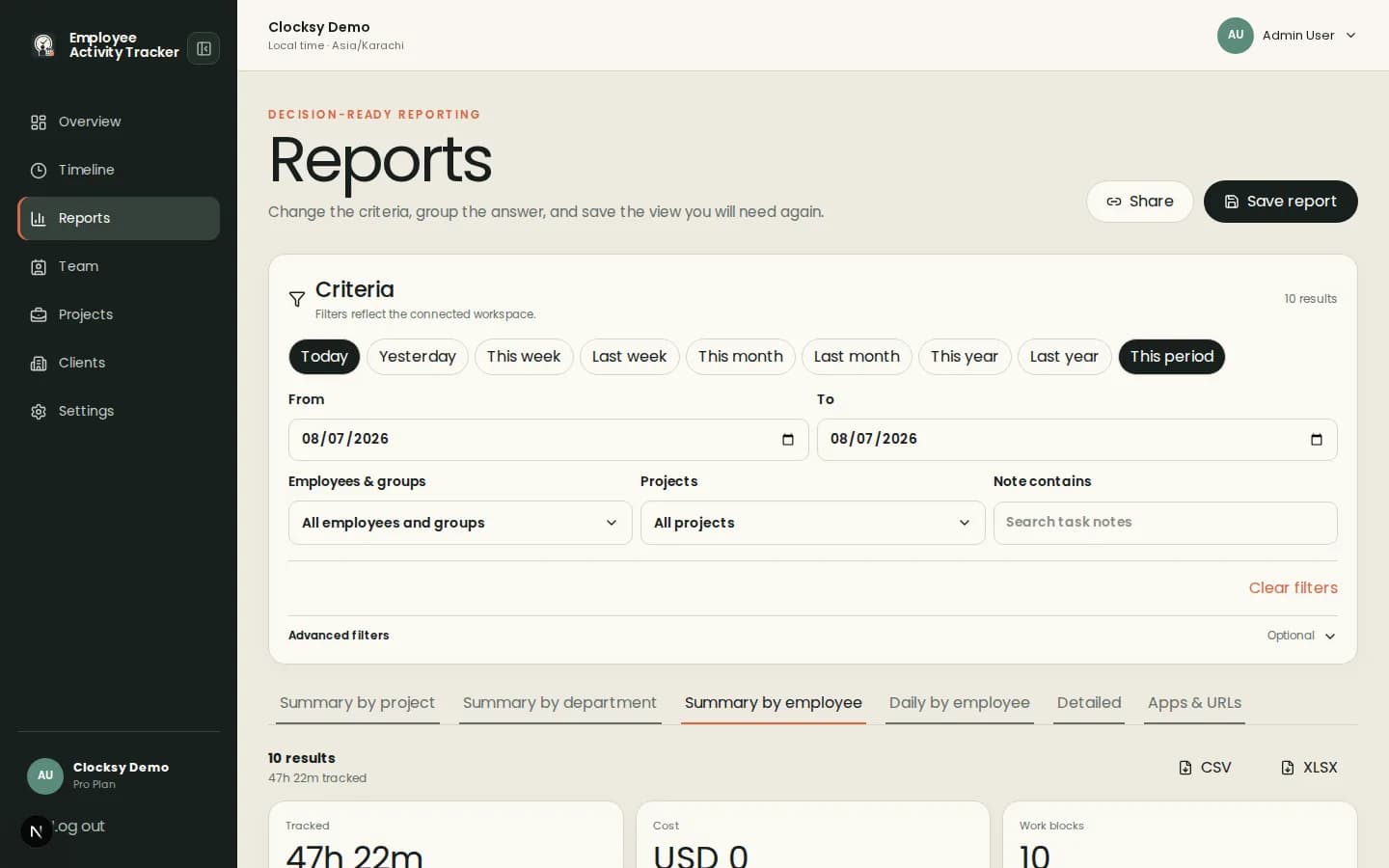
Filter reports by person, project, client, date, and notes before sharing a concise project summary.
A project-first timer gives teams context at the start and a reportable record at the end.
Create the client, projects, team access, and applicable rates.
Employees select the project and add notes when context will matter later.
Use reports to review scope, costs, utilization, and client-ready totals.
Use screenshots, activity, and app context only when they support a defined agency workflow. Time and project context can stand on their own.
Yes. Projects can be associated with clients and reports can be filtered by client or project.
Yes. Members can have hourly rates, and projects can use per-project rates when enabled.
No. Screenshots are optional; project sessions, notes, rates, and reports can provide the billing workflow.
Start with a workspace that connects time, projects, and useful signals in one place.
Start your workspace