
01
Define the work model
Set projects, clients, rates, and workspace time rules.
Employee Activity Tracker brings time tracking, project context, reports, and optional activity signals into one workflow so teams can choose the visibility they need without paying for a complicated process.
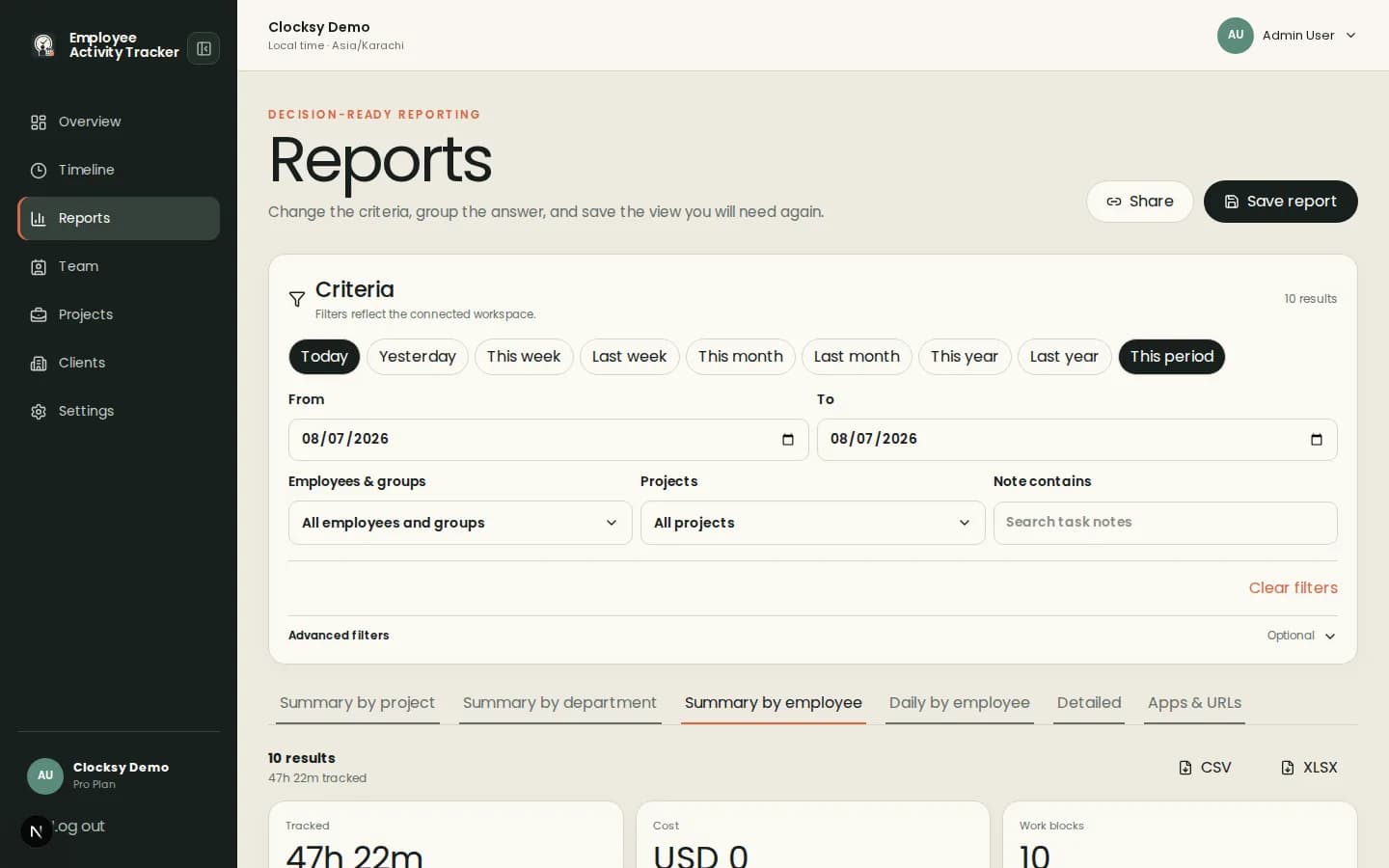
Affordable tracking is about useful coverage: clean time entries, understandable reports, and controls that match the work.
Track sessions against projects, clients, and optional notes so totals are easier to explain and invoice.
Activity, apps and URLs, screenshots, blur, and notifications can be configured instead of enabled by default without discussion.
Save and filter views by person, project, client, date, or note when recurring decisions need consistent data.
Build a policy around the work your team actually needs to understand, then review the result before adding more signals.
Set projects, clients, rates, and workspace time rules.
Enable activity or captures only when they support a specific planning, billing, or coordination need.
Use reports to reduce missing time, clarify workload, and improve project conversations.
Current pricing belongs on the pricing page. This page focuses on how teams can keep the operational footprint small and the product value understandable.
The available capabilities depend on the connected plan. The product model keeps time, projects, and reporting central while making other signals configurable.
Yes. Screenshots are optional and can be disabled while teams use time tracking, projects, reports, and other configured signals.
Use the pricing page for current plan details from the connected service.
Start with a workspace that connects time, projects, and useful signals in one place.
Start your workspace