
01
Organize the client work
Set up clients, projects, team access, rates, and weekly rules.
Employee Activity Tracker helps accounting teams track client and internal work by project, preserve notes, support offline time, and turn hourly records into reports without relying on memory at the end of the week.
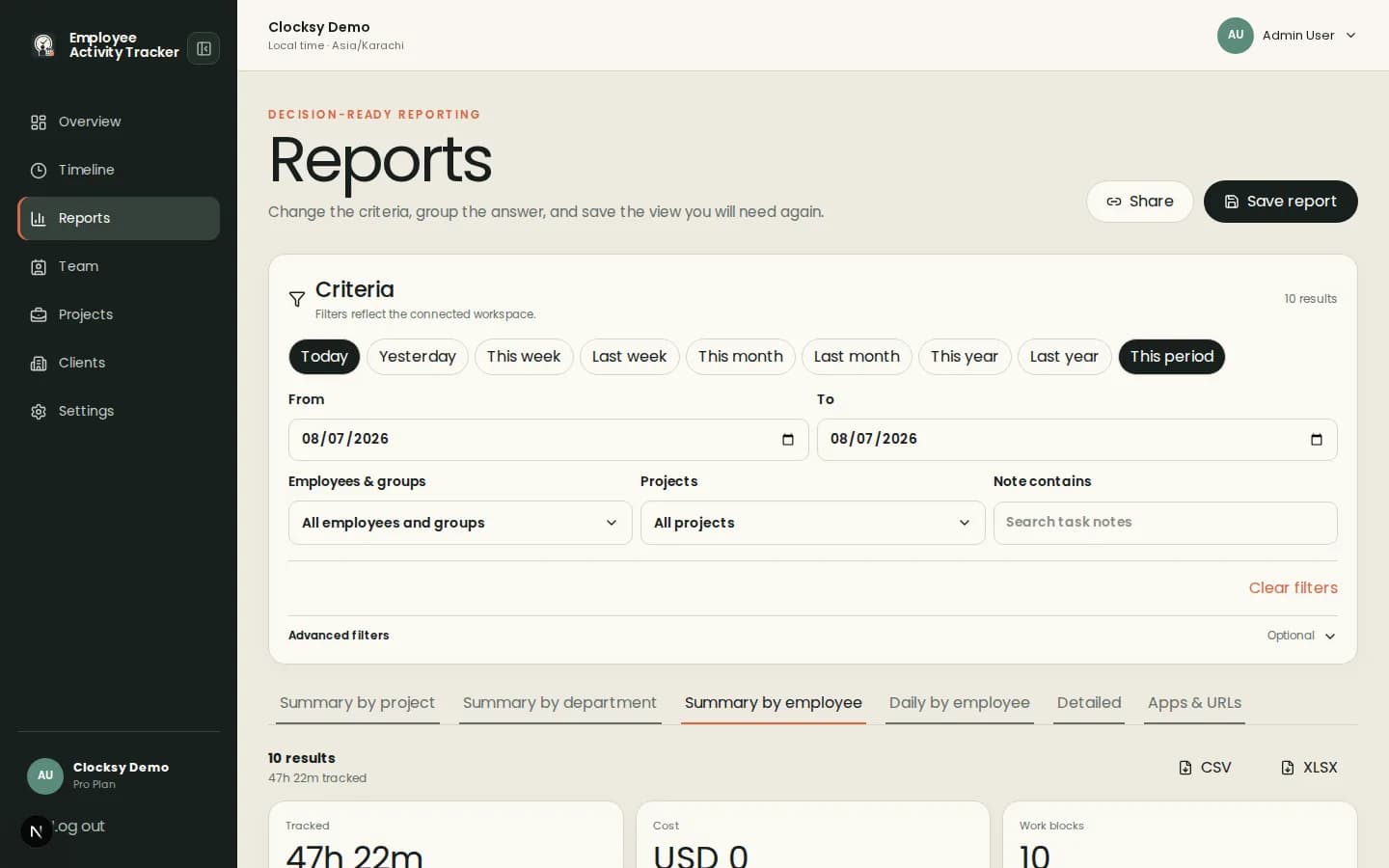
Accounting work changes by client, deadline, and task. The time record should make those distinctions visible.
Employees choose a project before starting a session so time is associated with the work it supports.
Allow offline time when work happens away from the companion, with notes that explain the entry.
Filter reports by person, client, project, date, and notes to find missing or unexpected time.
Client work becomes easier to reconcile when the project context is captured at the moment of tracking.
Set up clients, projects, team access, rates, and weekly rules.
Use the desktop companion for live work and offline entries for approved work away from it.
Use saved reports and notes to prepare internal review or a client summary.
Time, project, notes, and report context can support accountability without collecting typed content or requiring screenshots.
Yes. Workspace settings can allow offline time and employees can add context for work completed away from the companion.
Reports can be filtered by projects and clients, as well as people, dates, and notes.
No. Screenshots can be disabled while client projects, time entries, rates, and reports remain available.
Start with a workspace that connects time, projects, and useful signals in one place.
Start your workspace