
01
Define the remote policy
Choose tracking, activity, capture, offline, and notification defaults.
Employee Activity Tracker helps distributed teams understand project progress across locations and schedules with time tracking, timelines, activity context, and optional captures that remain visible and configurable.
Remote visibility should answer practical questions about progress, workload, and support—not create a second job of surveillance.
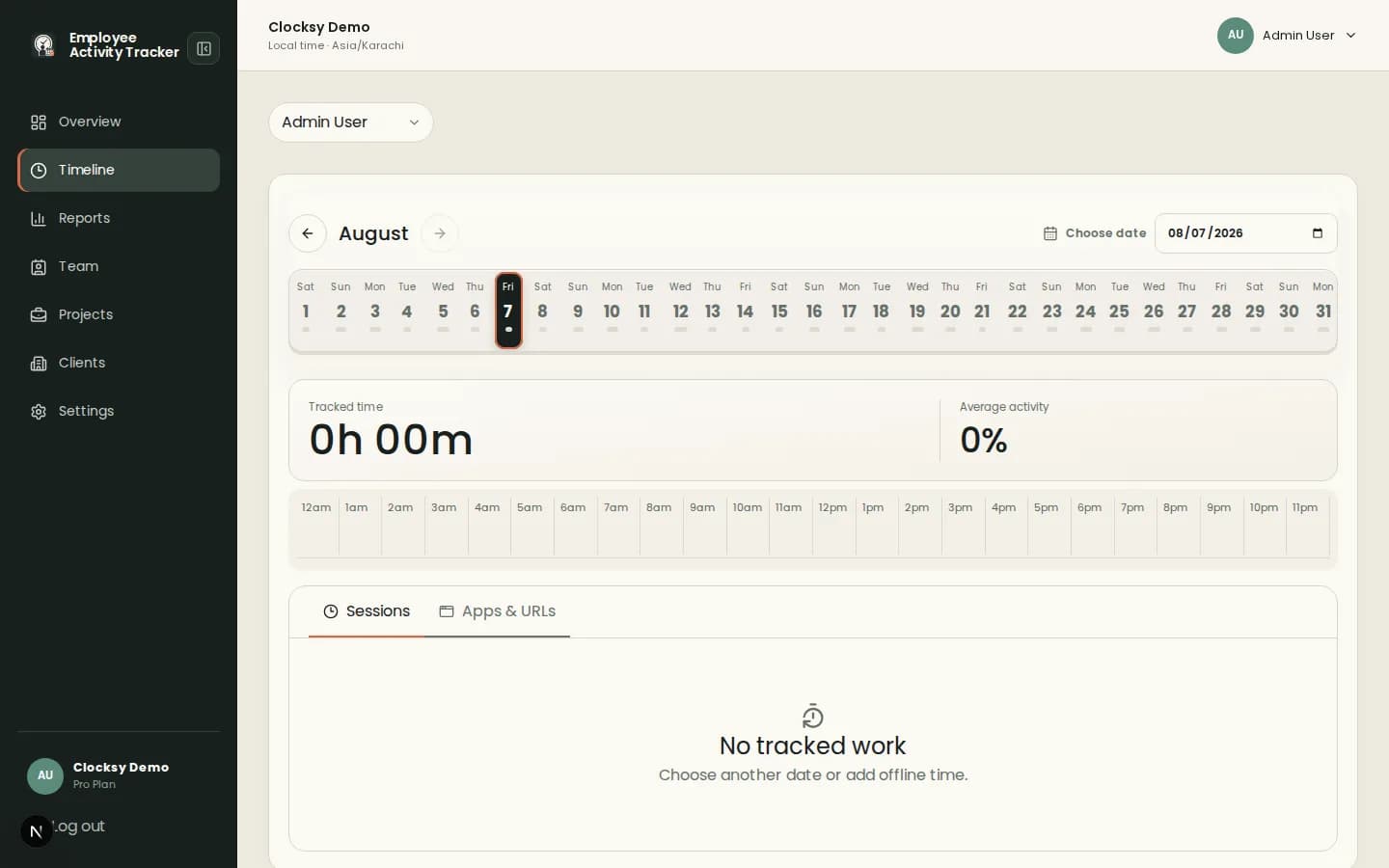
Review sessions, notes, activity percentages, apps and URLs, and optional captures in one chronological view.
Use offline time, auto-pause, weekly limits, and individual overrides when people work across time zones or contexts.
Configure capture, activity, app, URL, and notification rules at workspace level and communicate the defaults.
Remote teams need enough context to help each other without pretending a metric explains the whole day.
Choose tracking, activity, capture, offline, and notification defaults.
Employees select their work and use the companion across their normal remote setup.
Review the timeline to unblock work, balance workload, and plan the next conversation.
Use data to support planning and communication. Do not treat activity or captures as a complete judgment of performance.
Yes. Workspace settings can allow offline time for work completed away from the desktop companion.
No. Screenshots are optional and taken only according to configured intervals; activity is aggregated and typed content is not recorded.
Yes. Individual overrides can adjust capture, activity, app and URL, offline, and notification behavior.
Start with a workspace that connects time, projects, and useful signals in one place.
Start your workspace