
01
Choose the signals
Turn on only the time and activity controls your team can use responsibly.
Employee Activity Tracker keeps employee monitoring focused on the signals teams can act on: project time, aggregate activity, app and URL duration, timelines, and optional screenshots.
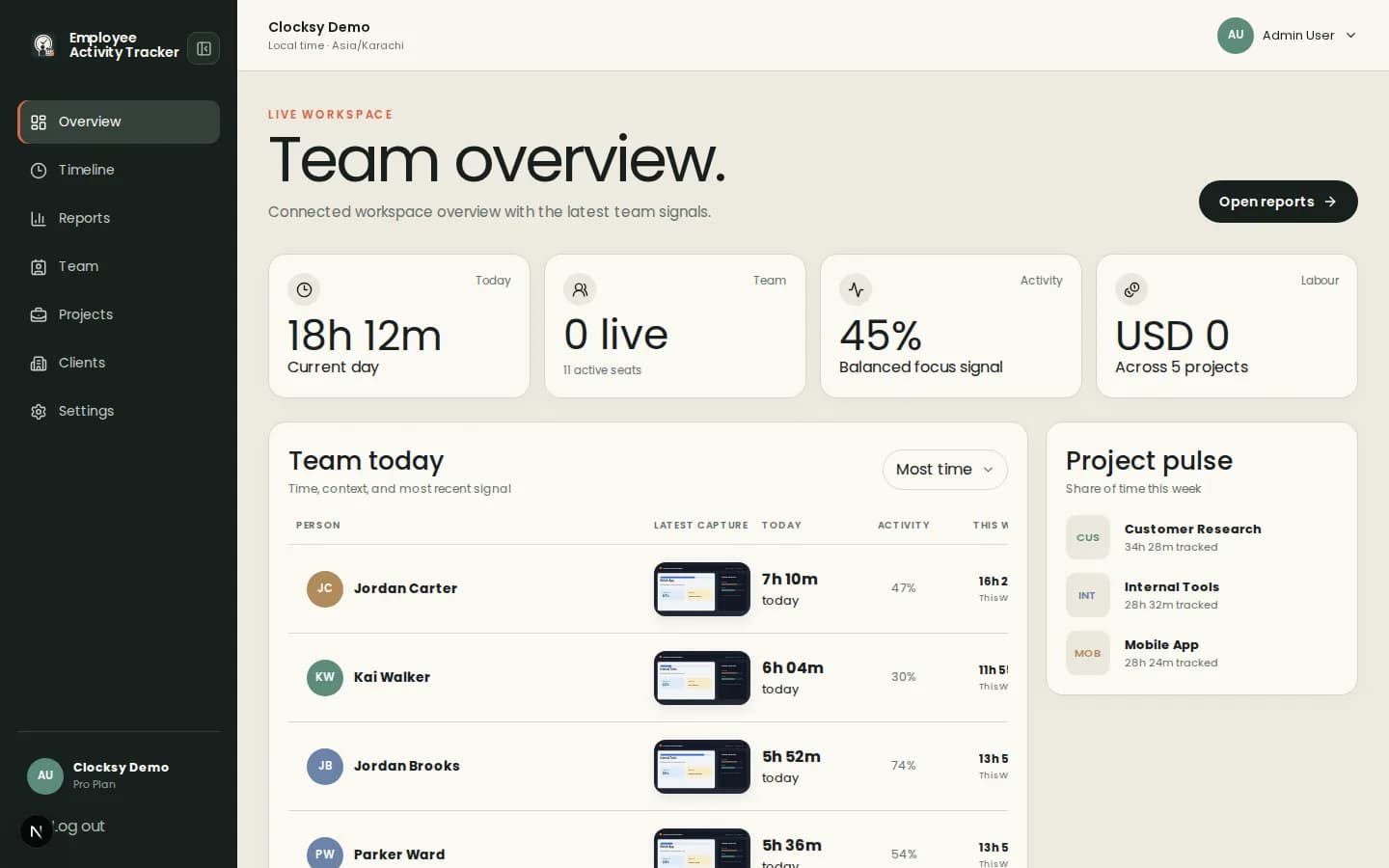
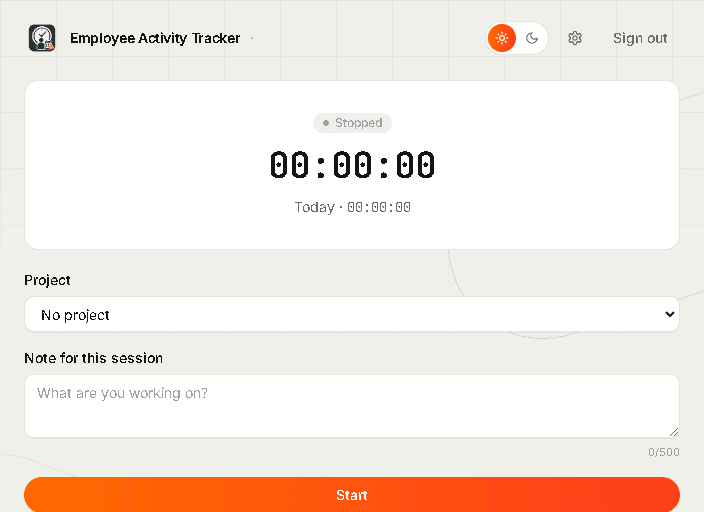
Simple monitoring means fewer hidden assumptions and a clearer path from data to a conversation.
Choose workspace defaults for time, activity, apps and URLs, screenshots, blur, offline time, and auto-pause.
Project context, status notifications, capture notices, and visible settings make the policy easier to understand.
Use the dashboard, timeline, and reports instead of piecing together separate tools and spreadsheets.
Configure the policy, track the project, and use the result to improve the work—not to replace judgment.
Turn on only the time and activity controls your team can use responsibly.
Employees choose a project and work from the desktop companion.
Use activity and timeline data to find blockers, workload changes, or missing project detail.
The product supports monitoring choices without requiring every possible signal. Teams can change defaults and individual overrides as their work changes.
It is a focused view of tracked time and optional work signals that helps teams understand progress without collecting unnecessary content.
Tracking status, project context, and workspace policies are designed to keep the workflow visible to the people using it.
Yes. Workspace defaults can be overridden for individual team members where the work requires different rules.
Start with a workspace that connects time, projects, and useful signals in one place.
Start your workspace