
01
Choose what to measure
Set workspace defaults for activity and apps or URLs, then define individual rules where appropriate.
Employee Activity Tracker adds lightweight activity signals to tracked time so teams can understand work patterns without turning the desktop into a hidden recorder. Activity levels are aggregated, and apps and URLs show duration without recording typed content.
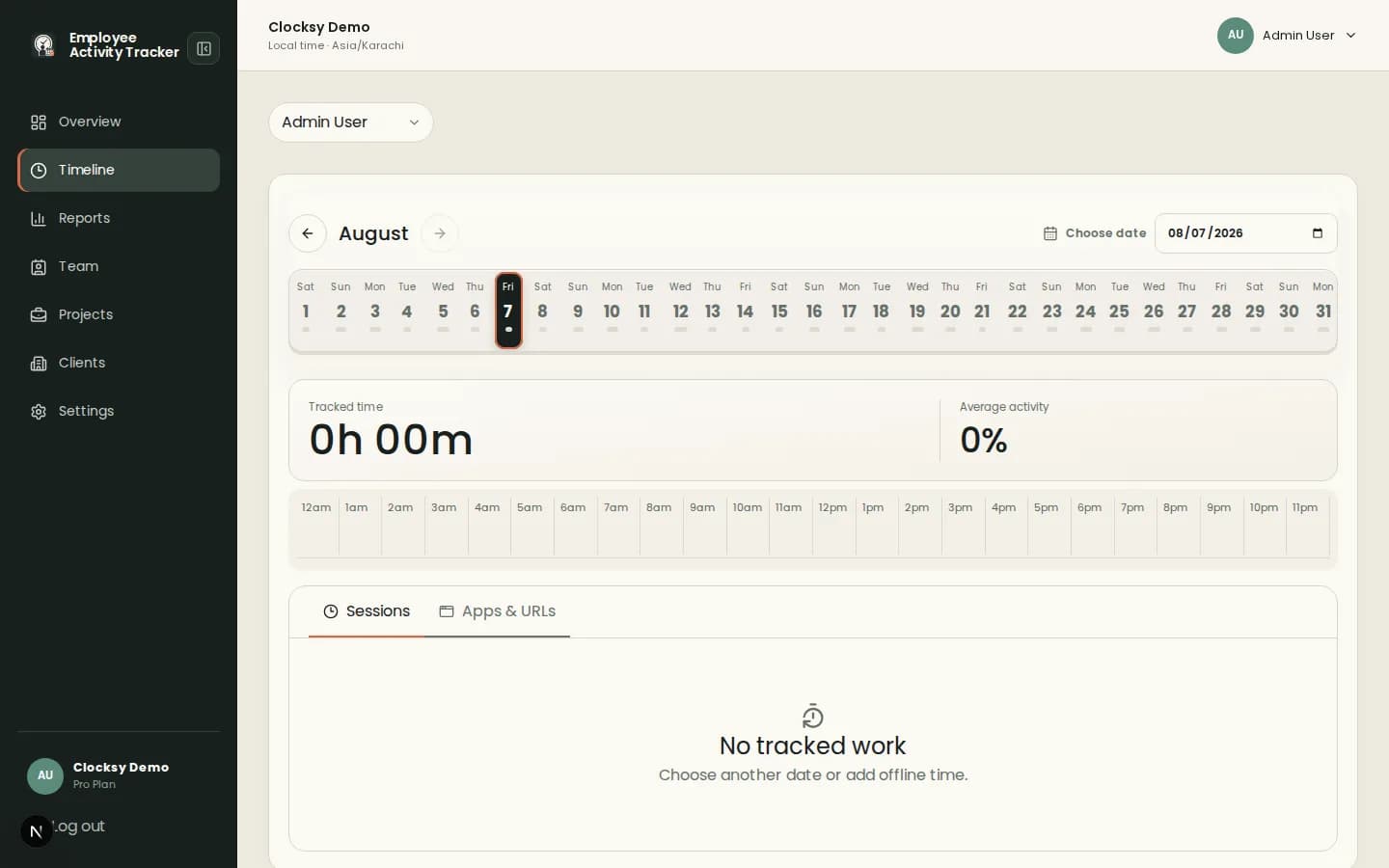
Activity data works best as a prompt for better planning—not a score that explains everything about a person’s day.
Review activity as a percentage alongside a session or timeline block instead of inspecting individual keystrokes or clicks.
Apps and URLs can show where time was spent by duration, helping teams spot context switches and workflow friction.
Turn activity tracking and app or URL tracking on or off at workspace level, with individual overrides when needed.
Employee Activity Tracker keeps activity data connected to projects, sessions, and reports so a percentage has somewhere useful to go.
Set workspace defaults for activity and apps or URLs, then define individual rules where appropriate.
Employees work from the desktop companion with the project and time context visible.
Compare activity and tracked time to identify blockers, workload changes, or process improvements.
Activity tracking is intentionally limited to aggregate signals and configured app or URL duration. It is not keylogging, and it is not a hidden background mode.
No. Employee Activity Tracker uses keyboard and pointer activity as an aggregate percentage and does not record what someone types.
They provide duration context by app or website so teams can understand workflow patterns without capturing typed content.
Yes. Workspace owners can disable activity or apps and URL tracking, and individual settings can override workspace defaults.
Start with a workspace that connects time, projects, and useful signals in one place.
Start your workspace