
01
Create the workspace
Invite the team and define projects, clients, rates, and basic time rules.
Use Employee Activity Tracker to start with project time and add only the signals your team can explain and use. The workflow connects sessions, clients, notes, reports, and optional activity context.
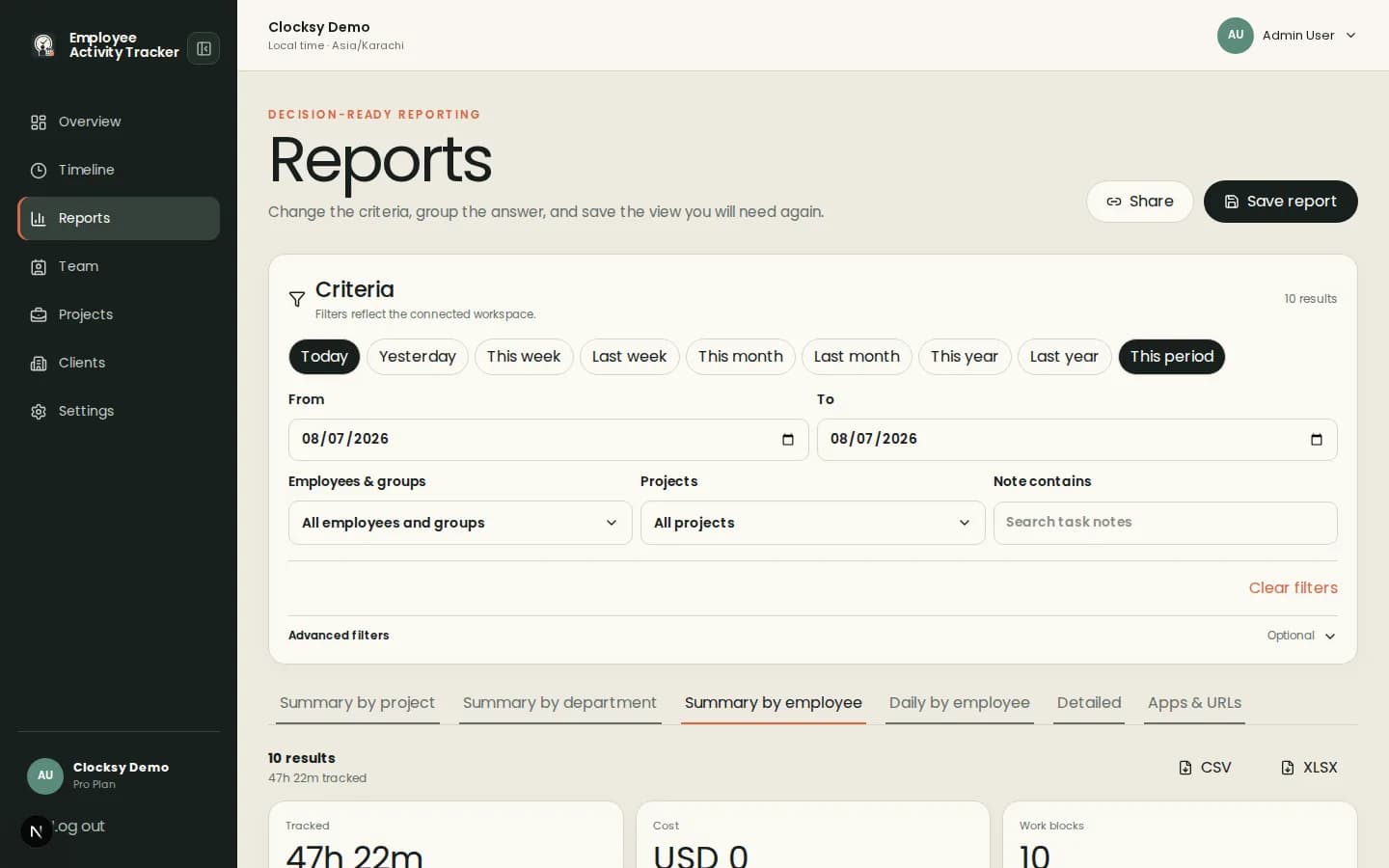
Free or low-cost tracking is most useful when the core workflow remains clear as a team grows.
Employees select a project, start the companion, and create time entries that can be reviewed later.
Activity, apps and URLs, screenshots, blur, and notifications are configurable rather than silently assumed.
Reports can group tracked work by people, projects, clients, dates, and notes.
A lightweight tracker can support better planning without requiring a surveillance-heavy rollout.
Invite the team and define projects, clients, rates, and basic time rules.
Use the desktop companion to record project sessions and optional notes.
Use a report or timeline when you need to invoice, plan, or discuss workload.
Pricing and plan availability can change, so use the current pricing page for commercial details. This page describes the product workflow, not an invented offer.
Plan availability is managed by the connected deployment. Check the pricing page for current terms and availability.
Yes. Teams can use project sessions and reports without enabling activity or screenshot signals.
The product supports projects, clients, notes, hourly rates, and reports; the appropriate plan depends on the deployment.
Start with a workspace that connects time, projects, and useful signals in one place.
Start your workspace