
01
Choose the delivery context
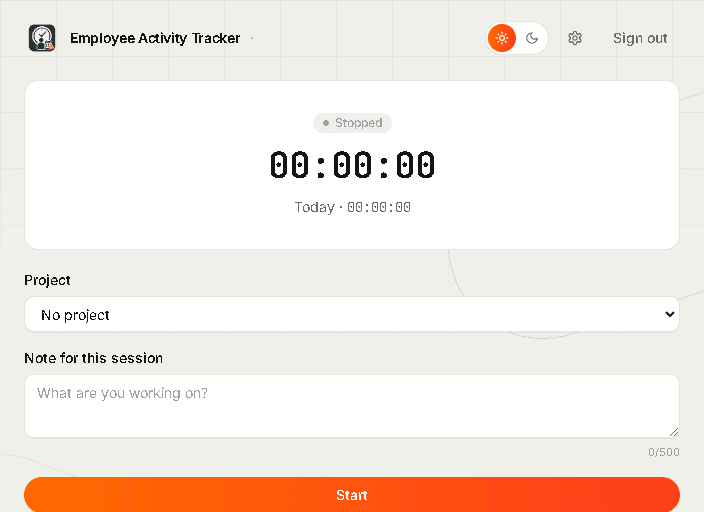
Track against a project, client, or workstream from the desktop companion.
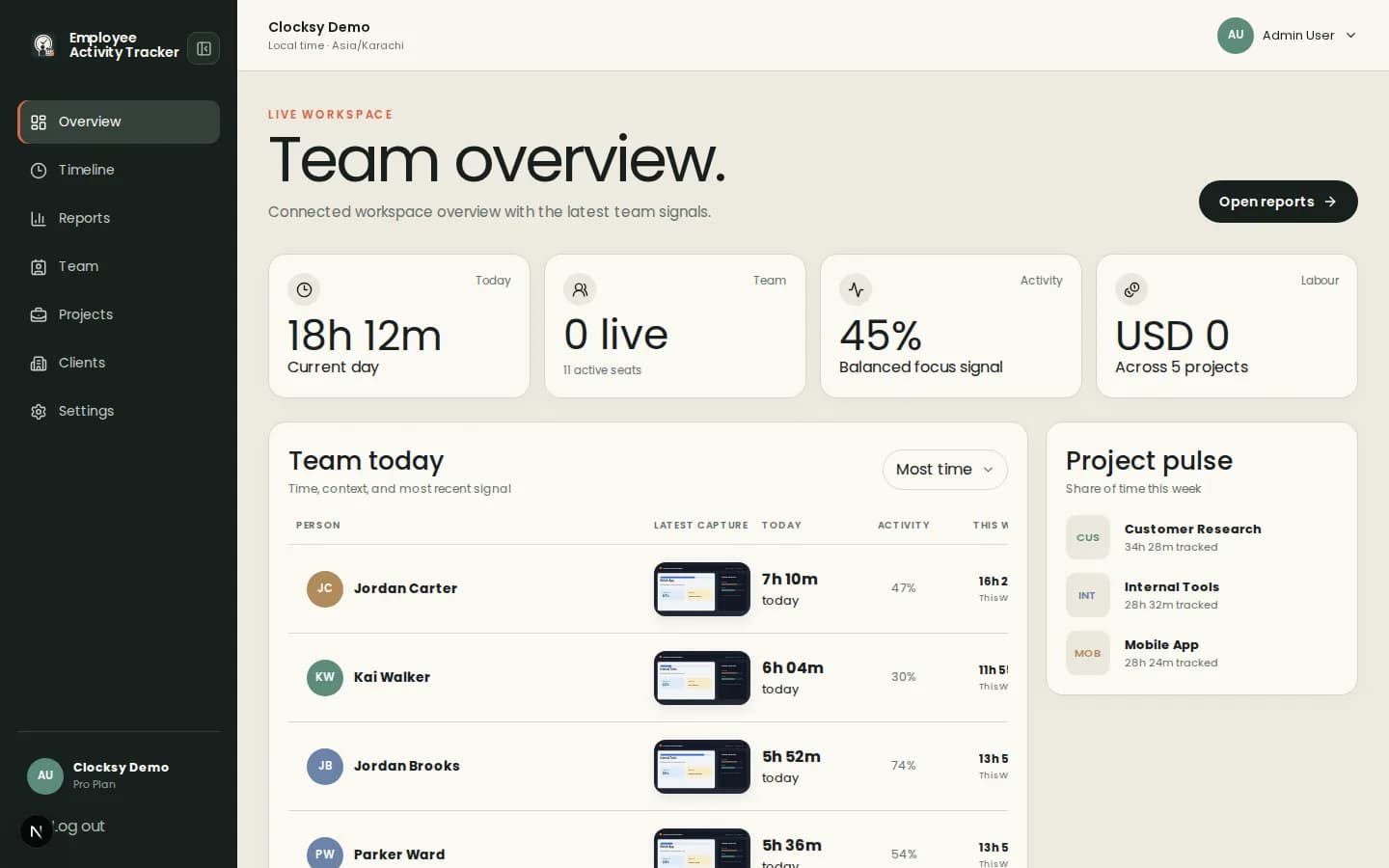
Employee Activity Tracker connects project time, activity signals, app and URL duration, and optional screenshots so engineering and product teams can understand work without recording typed content.
Software teams need delivery context, not a stream of invasive observations.
Employees select a project and add an optional note before tracking, giving managers a useful frame for every work block.
Review aggregate activity and app or URL duration to spot blockers and context switching without capturing typed content.
Timelines, offline time, auto-pause, and optional captures help remote teams share context across time zones.
A shared timeline gives software leaders enough context to plan while leaving room for engineering judgment.
Track against a project, client, or workstream from the desktop companion.
See sessions, activity percentages, app duration, notes, and configured captures together.
Use reports to discuss workload, blockers, estimates, and project health with evidence.
Use the controls that help your team coordinate and leave the rest off. The product is designed around transparent settings and shared context.
Yes. Screenshots are optional and can be disabled at workspace level or configured for individual people.
No. Activity is aggregated, and apps and URLs provide duration context without recording typed content.
Yes. Workspace settings can allow offline time so employees can add context for work completed away from the companion.
Start with a workspace that connects time, projects, and useful signals in one place.
Start your workspace