
01
Choose the defaults
Set workspace rules for activity, apps and URLs, screenshots, blur, offline time, and auto-pause.
Employee Activity Tracker helps teams connect tracked sessions with projects, activity percentages, apps and URLs, optional captures, and reports while keeping monitoring policies visible and configurable.
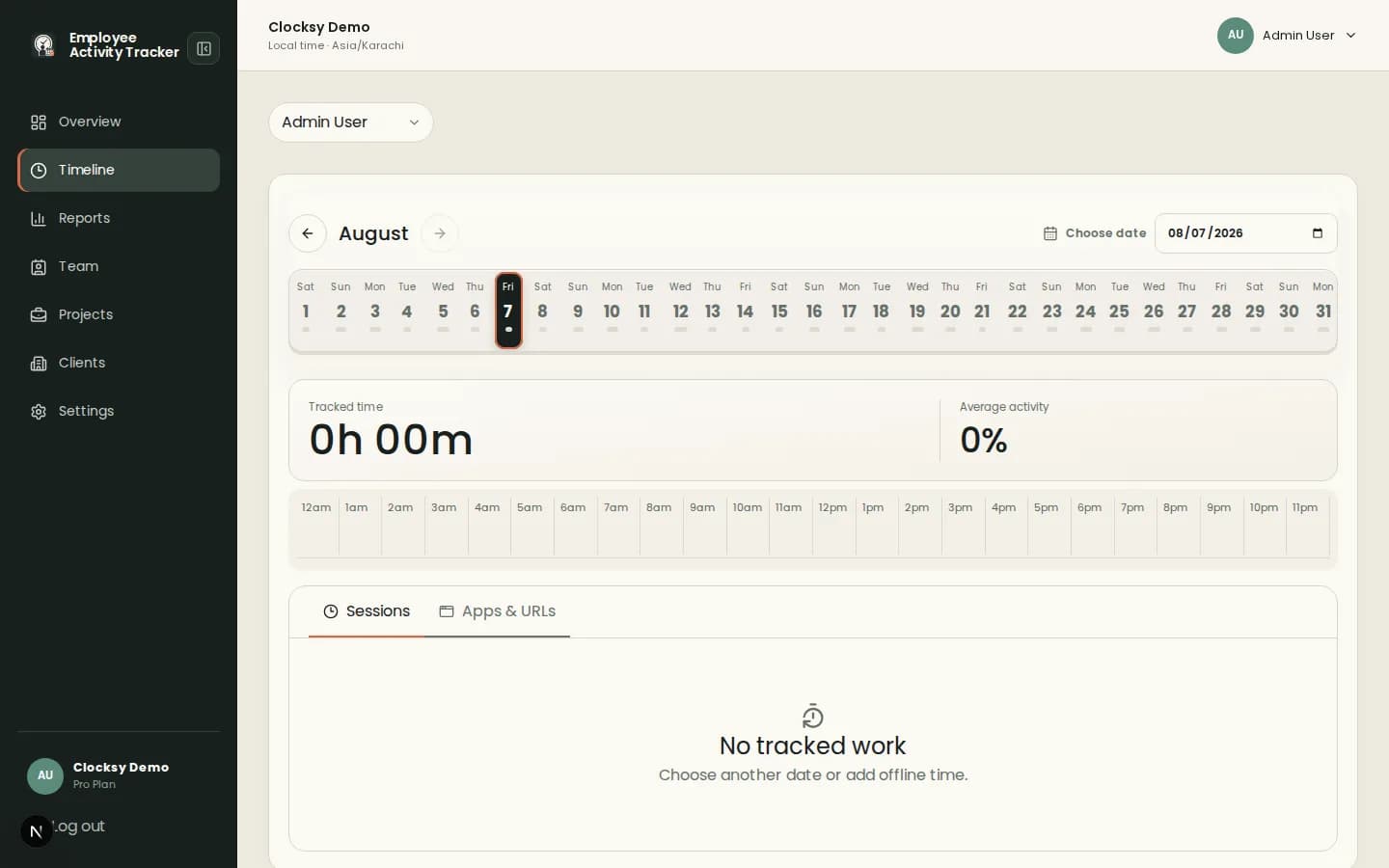
A comparison should focus on the daily experience: what employees track, what managers review, and what the team can configure.
Project selection and optional notes keep time entries tied to the client, project, or workstream that needs attention.
Aggregate activity and app or URL duration provide context without keylogging or typed-content recording.
Daily timelines bring sessions, notes, activity, and optional captures into one place for review and discussion.
Teams get better results when monitoring choices are understood before a timer ever starts.
Set workspace rules for activity, apps and URLs, screenshots, blur, offline time, and auto-pause.
Employees use the desktop companion with a visible project and work session.
Use the timeline and reports to discuss progress, workload, and client work.
Employee Activity Tracker is a fit for teams seeking clear, configurable signals. It is not a promise that one workflow suits every organization.
Start with project time tracking, activity policy, screenshot controls, reporting needs, and how employees review their own context.
No. Activity is represented as an aggregate percentage, and apps and URLs show duration without recording typed content.
Yes. Screenshots can be disabled while time, project, activity, and reporting workflows remain available.
Start with a workspace that connects time, projects, and useful signals in one place.
Start your workspace