
01
List the visibility you need
Separate time tracking, activity context, screenshots, and reporting requirements.
Employee Activity Tracker gives teams a focused way to track project time, review activity signals, and use optional screenshots without making unsupported promises about one tool being best for every team.
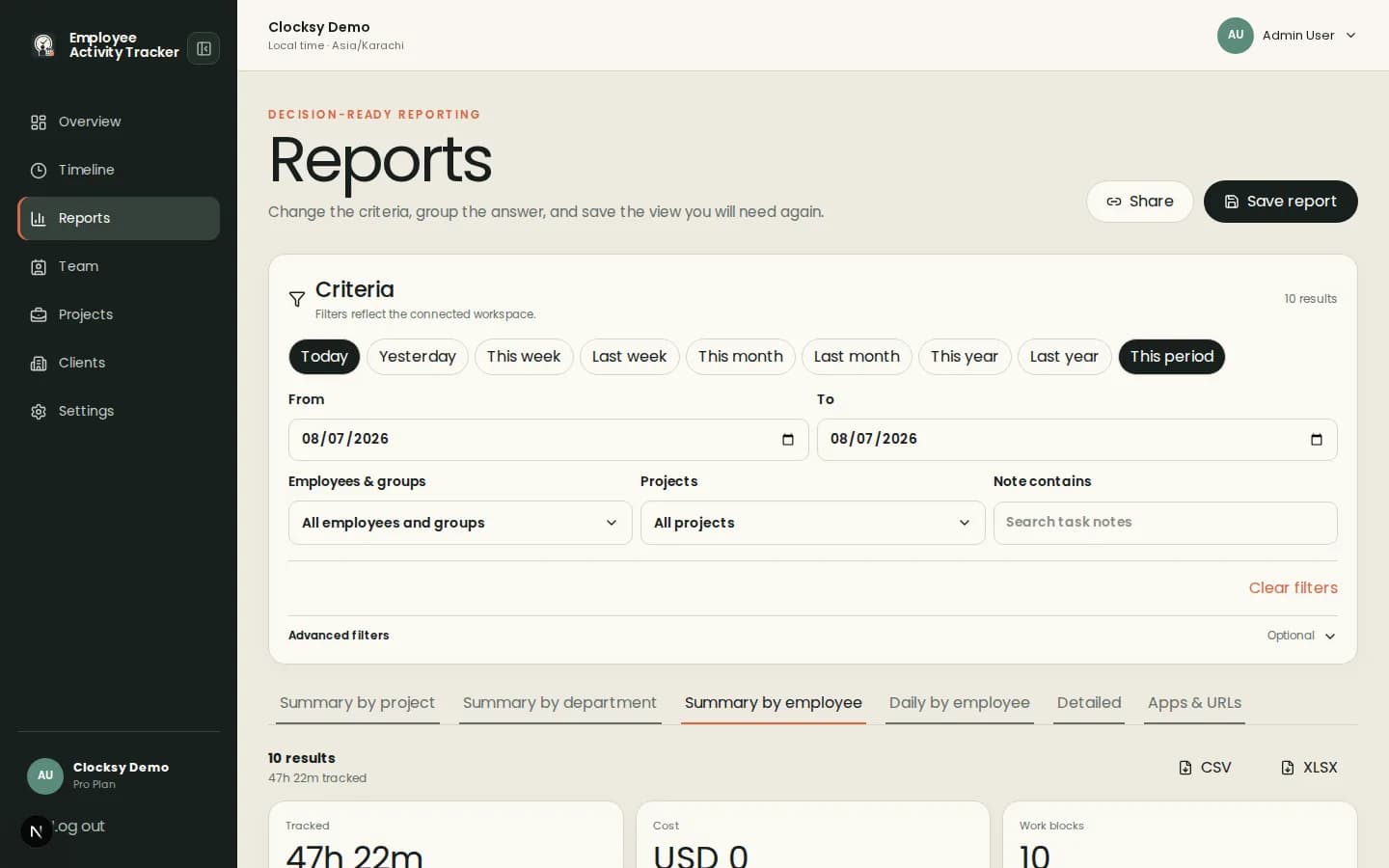
The right alternative depends on how much visibility your team needs and how clearly people can understand the policy.
Employees select work context, track sessions, and add notes that make project totals easier to explain.
Enable aggregate activity, apps and URLs, screenshots, blur, and notifications according to team policy.
Filter reports by employee, project, client, date, or note when a summary needs more evidence.
Use a neutral comparison: map your current workflow to the controls and reports your team actually needs.
Separate time tracking, activity context, screenshots, and reporting requirements.
Configure workspace defaults and individual overrides so employees know what is collected.
Use timelines and reports to decide whether the workflow improves planning and billing.
Employee Activity Tracker is positioned as a configurable option for teams that want useful time and activity context with clear boundaries.
No. It provides a neutral fit comparison around Employee Activity Tracker capabilities and encourages teams to evaluate their own requirements.
Yes, screenshots are available as an optional, configurable workspace signal with blur and notification controls.
Pricing and plan availability are deployment-owned. Review the current pricing page rather than relying on unsupported comparison claims.
Start with a workspace that connects time, projects, and useful signals in one place.
Start your workspace