
Complete Guide to Employee Monitoring Software
Use this pillar guide to understand modern employee monitoring—then jump into cluster docs for timers, reports, screenshots, admin workflows, and API exports.
What employee monitoring should mean in 2026
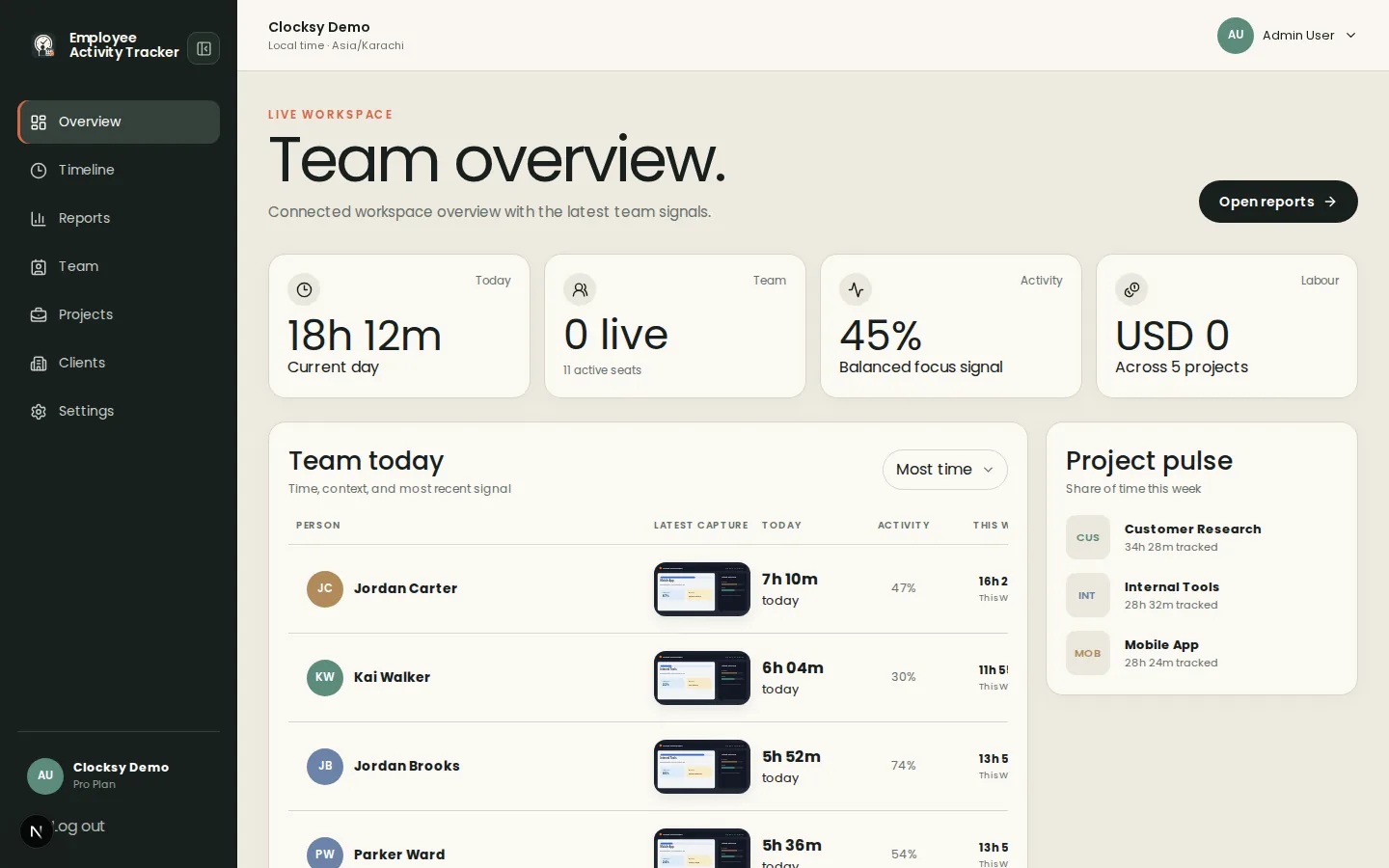
Effective employee monitoring software clarifies project time, idle time, and activity levels without reading private keystrokes. Choose tools that publish capture boundaries, support remote team trust, and keep timesheets tied to real projects.
Timers and the workday timeline
Start with the Quick Start Guide: download the desktop time tracker, install it, create a project, and start the timer. Timelines then show sessions, apps, URLs, and optional captures for each workday.
Screenshot tracking without surveillance
Optional randomized screenshots can support client billing disputes when paired with blur and notifications. Read the FAQ for privacy boundaries and our comparison page for how we differ from heavier Hubstaff-style stacks.
Reports, admin, and integrations
Admins invite seats, manage clients and projects, and choose Free or Pro billing. Pro team reports filter by date, user, and project with CSV/Excel export. The API documentation covers pulling the same timesheet data into other systems.
- How to add employees
- Managing projects and clients
- Reports and analytics guide
- API documentation
Was this helpful?
Ready to try it?
Start a free workspace or compare plans before you invite the team.