
How to Add and Manage Employees
Invite people by email, set roles, and keep seats within Free or Pro limits so attendance tracking and timesheets stay accurate for the whole workforce.
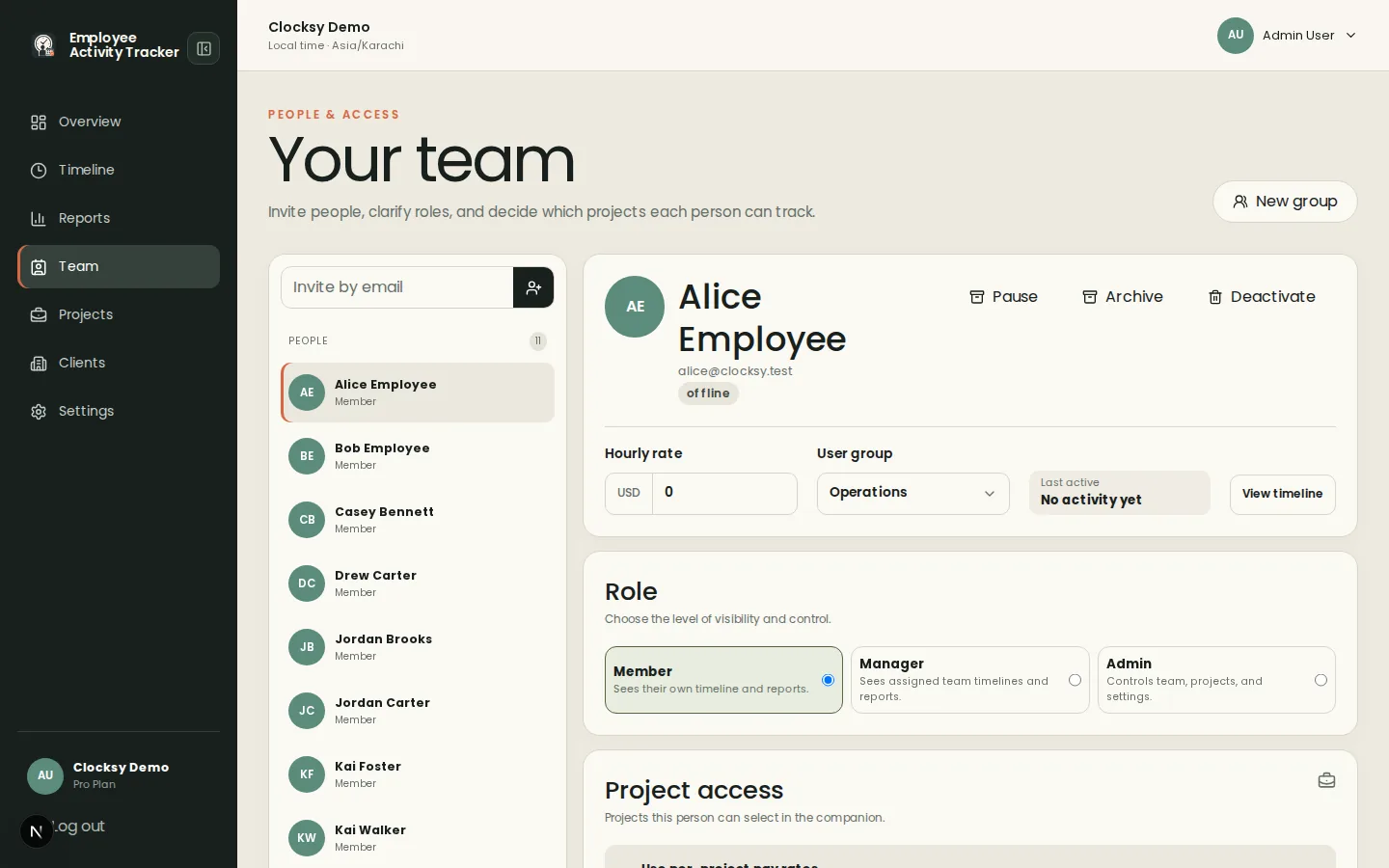
Invite flow
From Team, enter the teammate’s email to create an invitation. They receive an acceptance link (or a local preview token when email delivery is not configured in development). After they set a password, they appear as an active member and can use the desktop time tracker.
- Invitations can be resent or revoked by admins while still pending.
- Assign projects after accept so billable hours land on the right client work.
Role permissions
Admins manage workspace settings, invites, clients, projects, billing, and (on Pro) reports and API keys. Employees track their own project time, review their timelines, and follow workspace capture policy. Deactivated members keep historical timesheet data but cannot start new sessions.
Three free users policy
Free workspaces allow three users total—including admins. When you need a larger remote team, upgrade to Pro for unlimited seats and richer workforce productivity tools. Seat counts include anyone who can sign in; remove or deactivate people you no longer need before inviting replacements on Free.
Was this helpful?
Ready to try it?
Start a free workspace or compare plans before you invite the team.